Listing Creation
riotemplate Listings is a feature that makes it easier to organize and visually manage your designs by assigning them to listings in your riotemplate account that mirror the listings you have in your Etsy, WooCommerce, and/or Shopify stores. riotemplate Listings also make it possible to integrate with variations you may offer in your stores and offer specific designs based on the customer's variation selections at checkout.
How do I create a riotemplate Listing?
There are two ways to create a riotemplate Listing: create a riotemplate Listing using an open design, or create a riotemplate Listing in the Listings page.
Create a riotemplate Listing When You Create a Design:
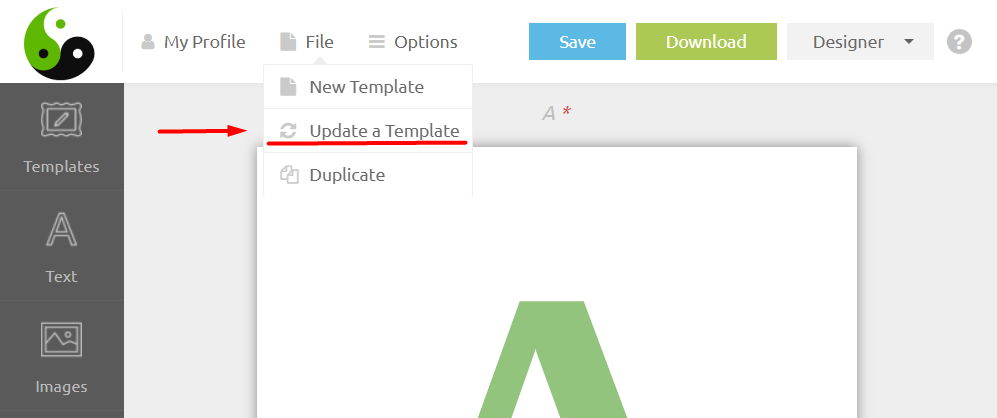
1. File / Update a Template
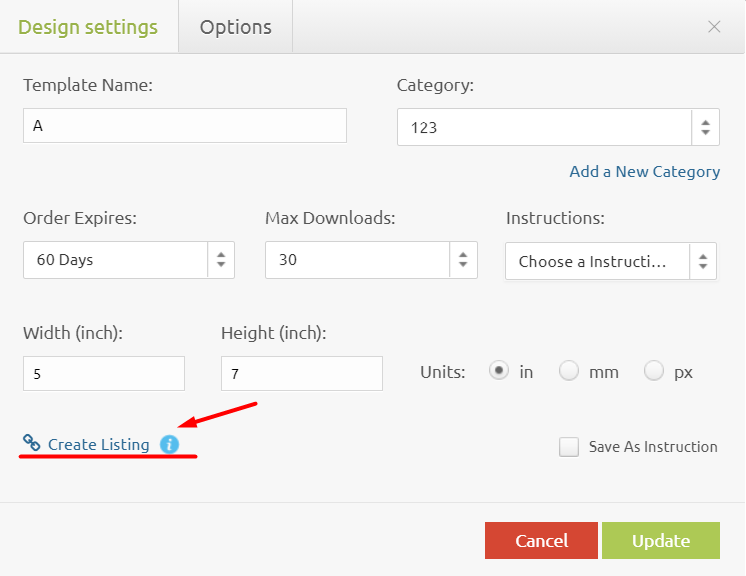
2. Create Listing
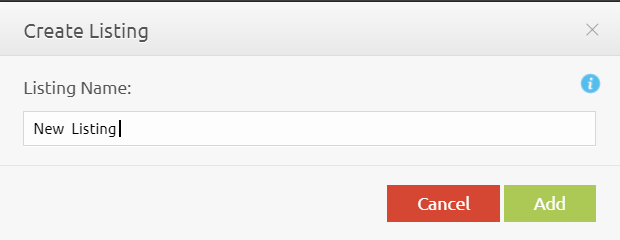
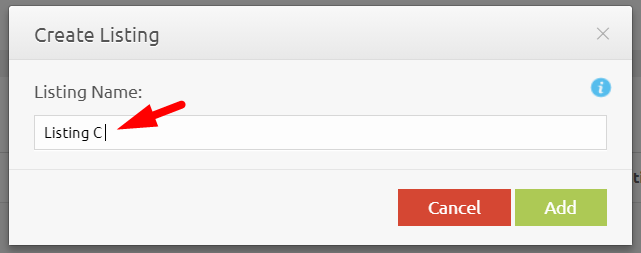
3. Type in the name for a new riotemplate Listing
4. riotemplate Listing created successfully.
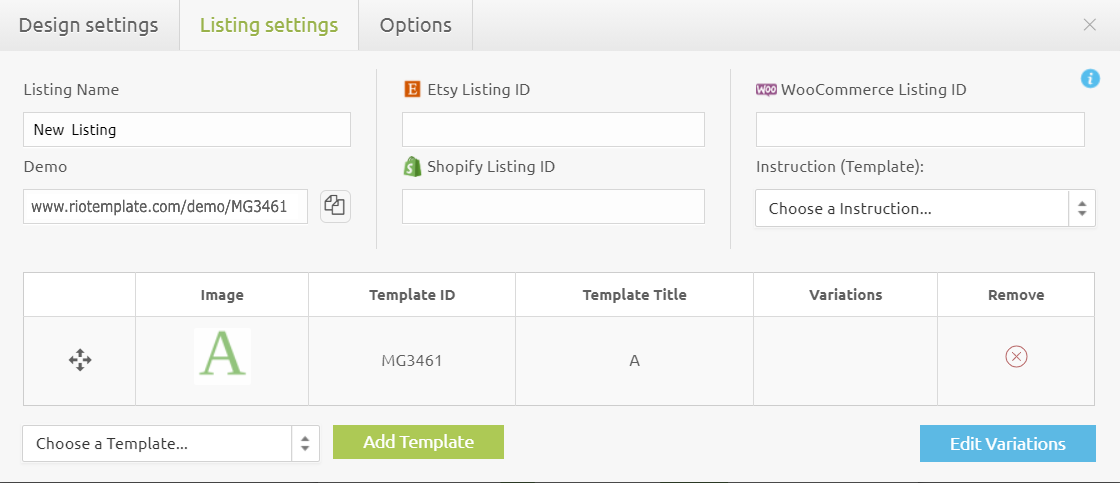
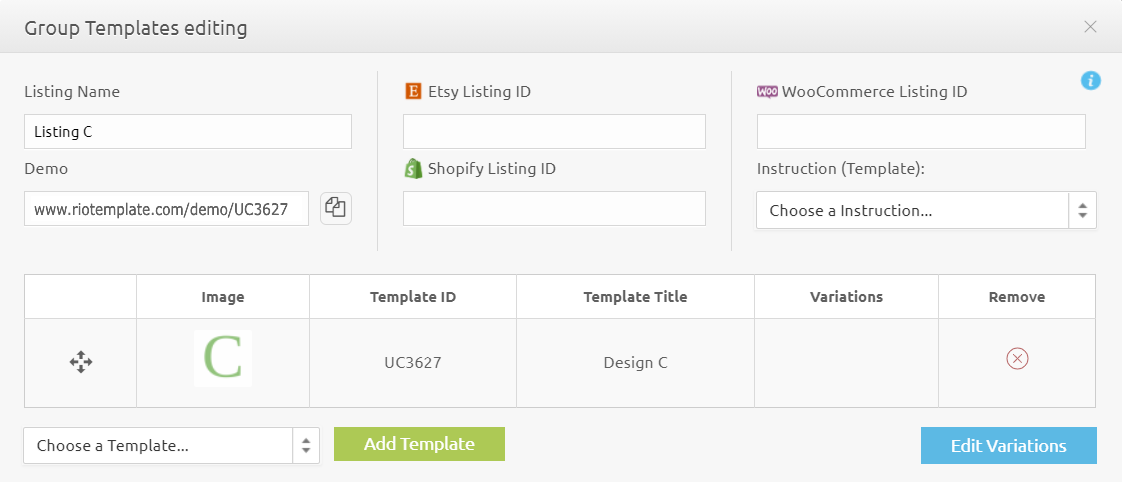
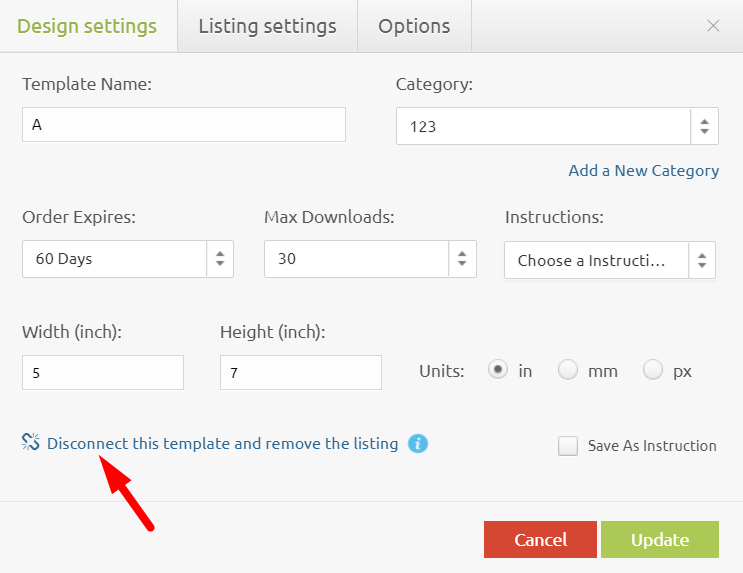
How to disconnect a design from the listing?

When disconnecting the listing, the design is not deleted.

If you want to disconnect a design from the listing, but the listing contains a single design, then the listing will be deleted with all the settings.
Method 1:
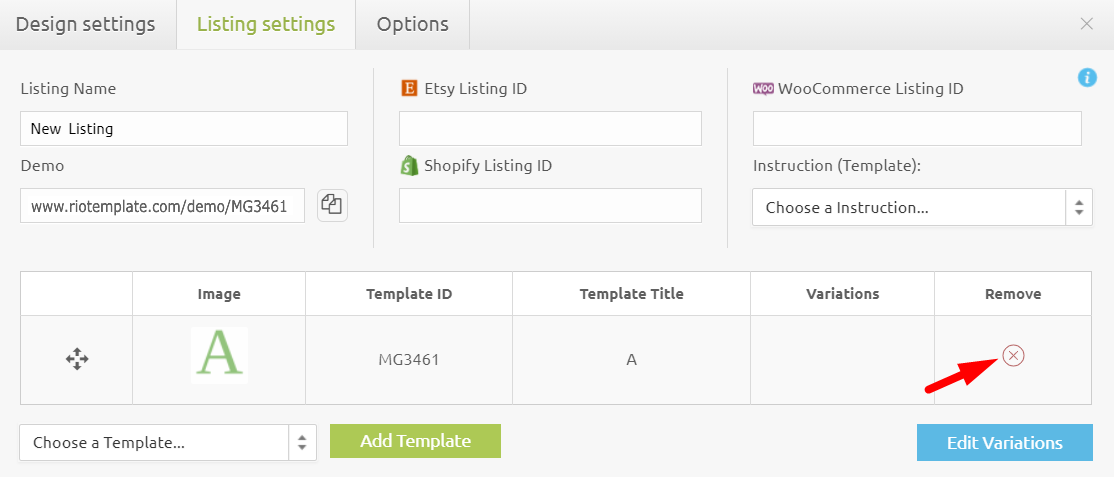
Method 2:
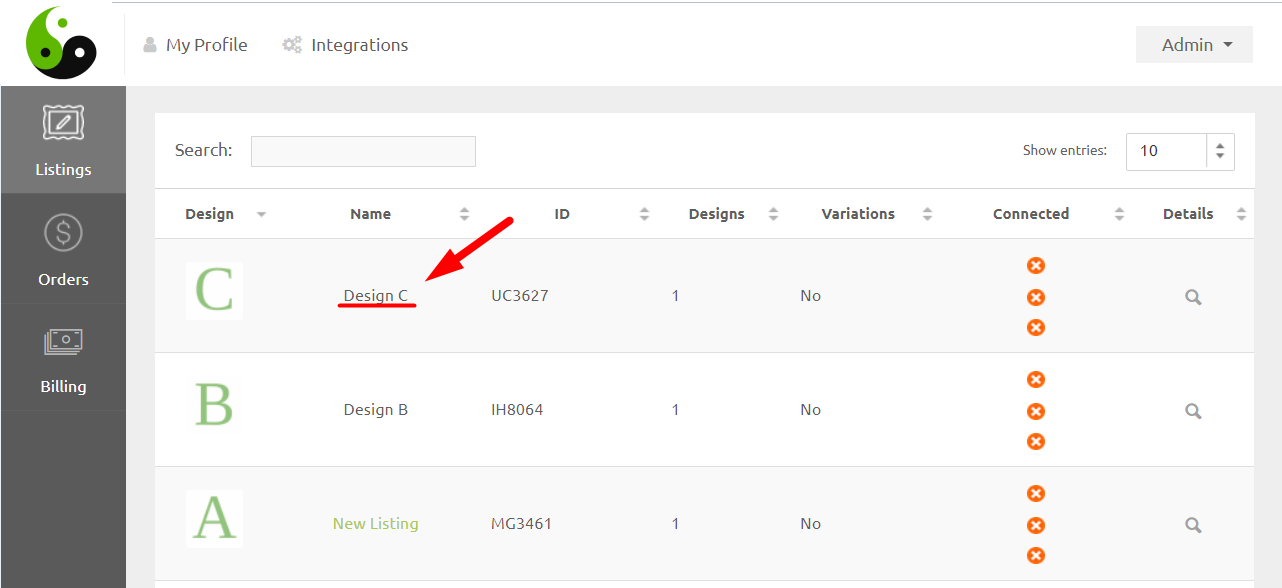
Create a riotemplate Listing from Scratch:
1. Please go to the “Admin” mode → and then go to the “Listing” section and click on the name of the template.
2. Type in the name for a new riotemplate Listing
3. riotemplate Listing created successfully.